
Introduction
These release notes provide a comprehensive overview of the new features, enhanced functionalities, and resolved issues found in version 4.2 of SRE.
What's New in SRE 4.2
Call Processing
Media Server
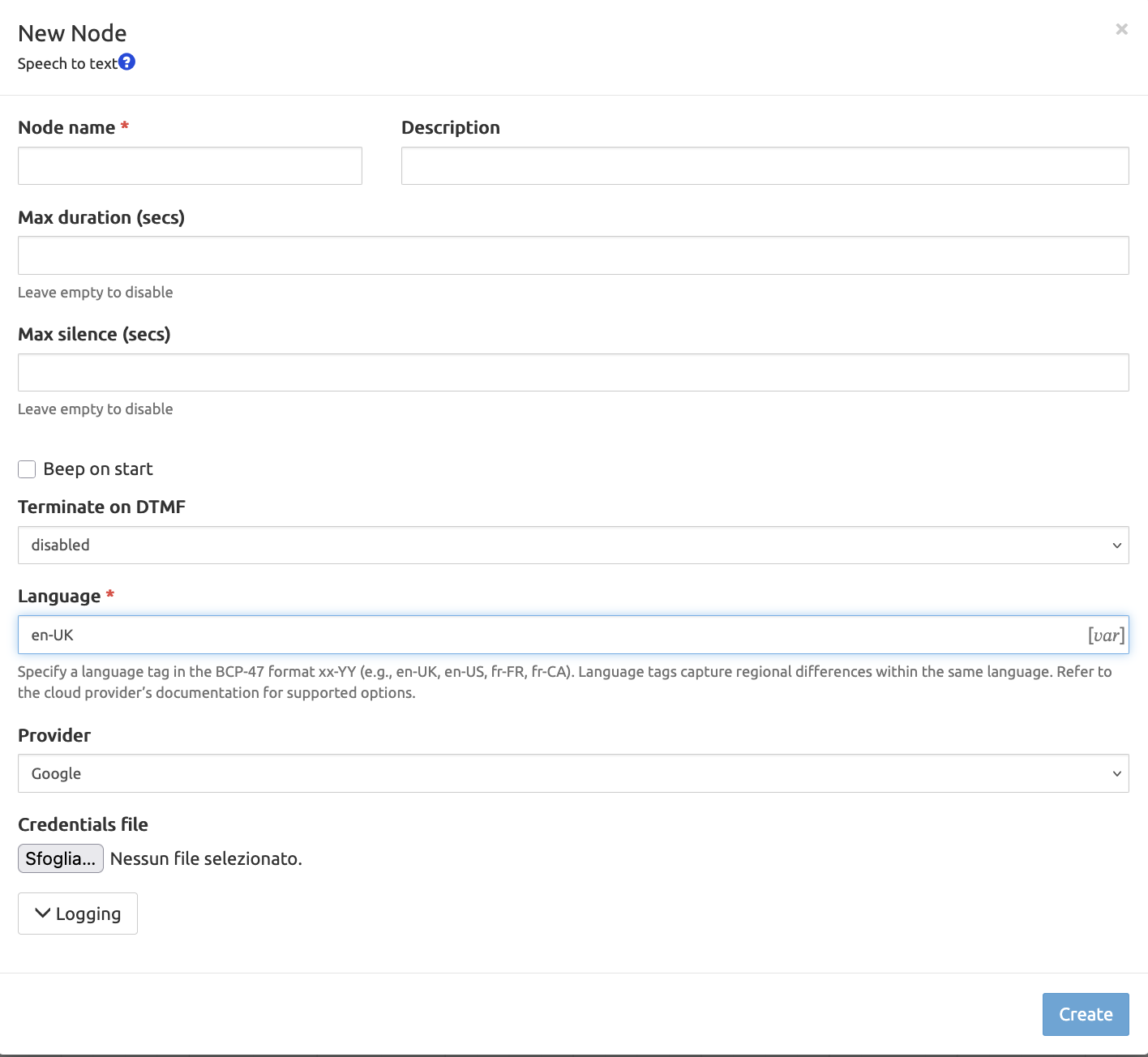
Node for speech to text conversion
Added a new node to record voice and convert it to text, with the option to sound a beep when recording starts and to stop recording after a fixed duration or after a period of silence. Recording can also be stopped by DTMF.
Multiple playback of media
It is now possible to start multiple announcements concurrently.
Example: while a caller waits in a queue, play a looping music-on-hold announcement together with a periodic "your call is important to us" message, without one playback stopping the other.
N-Way bridging support
It is now possible to bridge more than 2 participants into the same call.
Example: build a simple conference service by originating calls to several agents and bridging all of them into a single call.
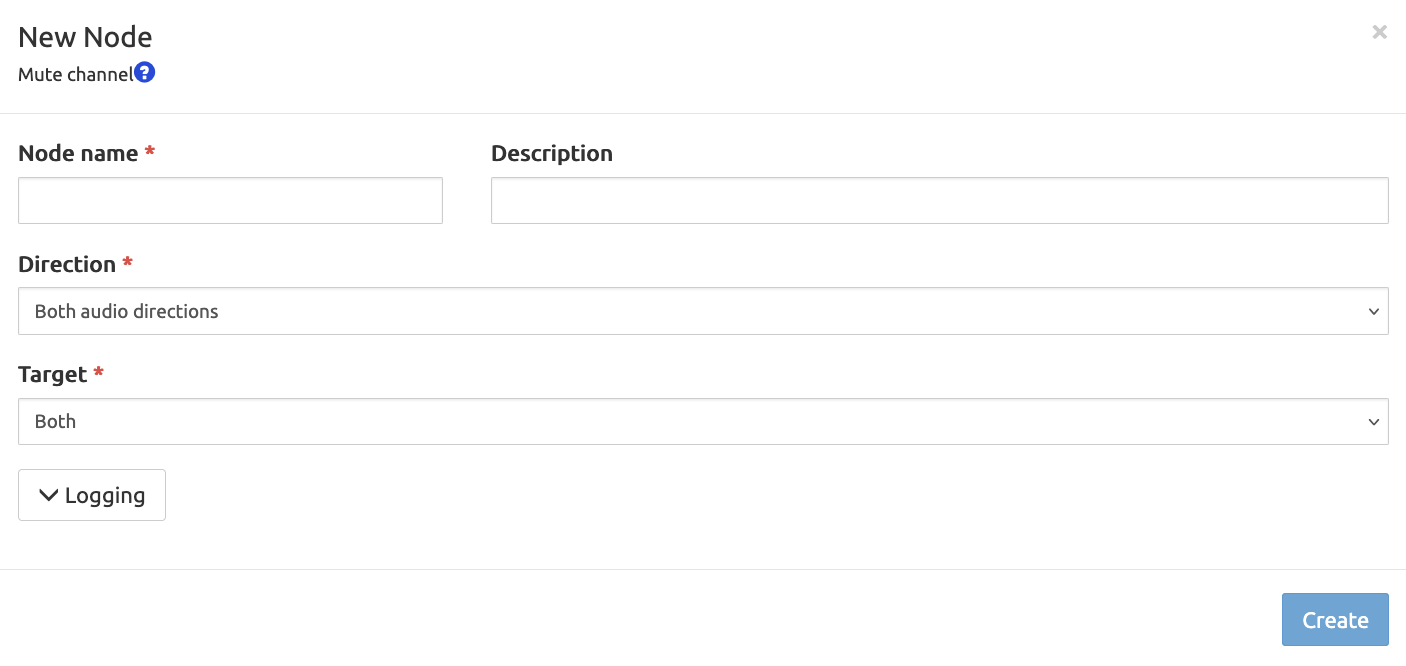
Mute support
New nodes allow you to mute or unmute audio channels.
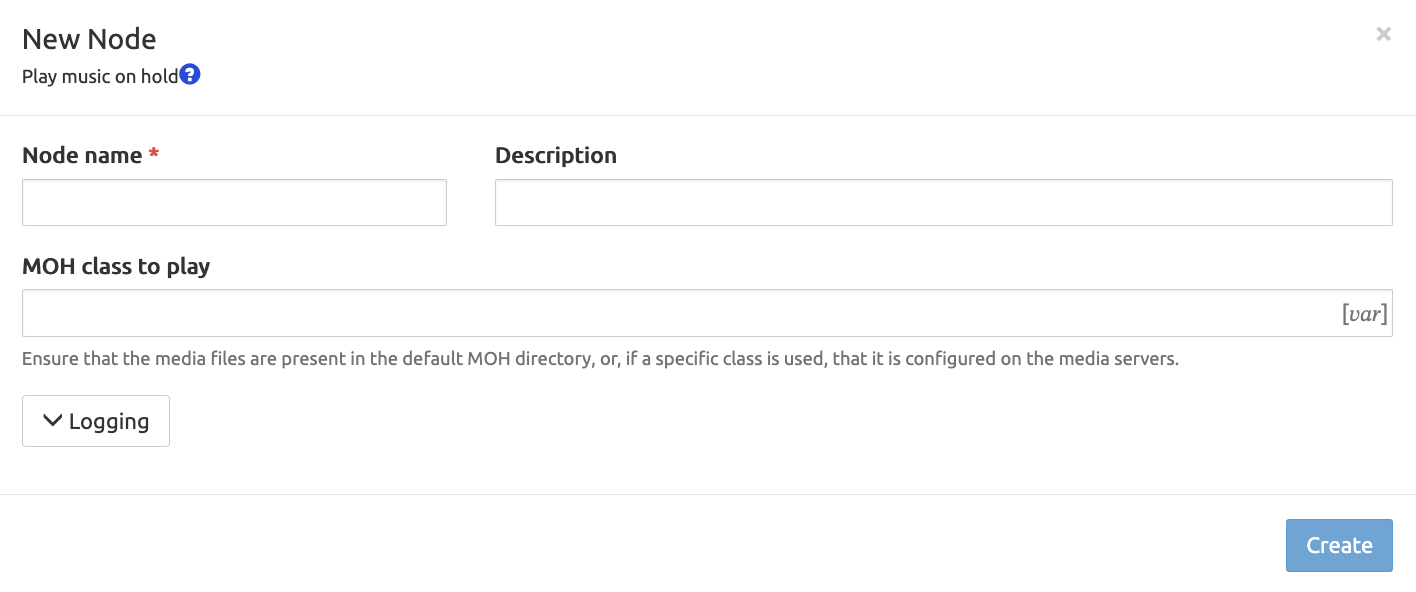
Music-On-Hold support
It's now possible to play music on hold without manually using the "Play media" node.
Misc
A new option has been added to specify the hangup release cause on the "Hangup call" media node; furthermore, when originating calls you can now set the calling party and add extra SIP headers.
SIP
Route-based forwarding
It is possible to keep current Route header from INVITE message and use it to forward the message to the next-hop. Check the installation guide to configure it.
Kamailio
- The Kamailio receive queue is now monitored and an alarm is raised if it grows too high. This helps detect exhausted workers.
- Kamailio pkg memory is now monitored to detect memory exhaustion.
- The interface between SRE and Kamailio now uses the official KEMI interface.
Probing
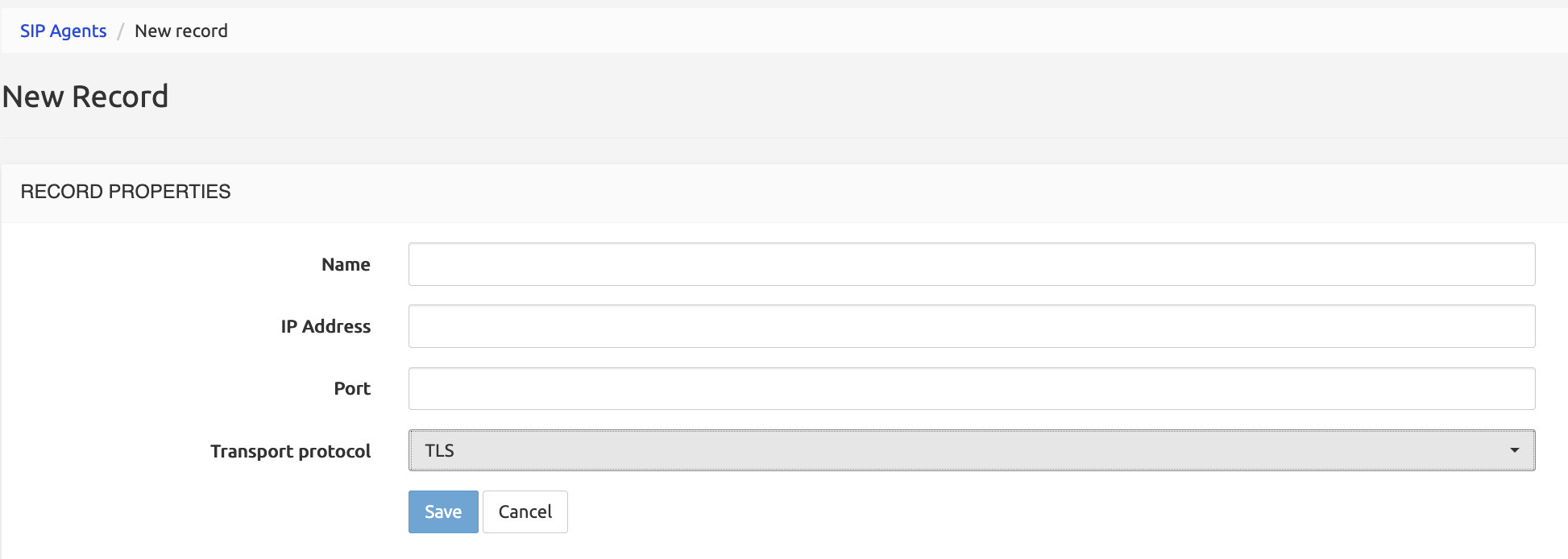
- Probing of a remote server is now possible using SIPS, by selecting the corresponding transport protocol on the target record.
HTTP Processing
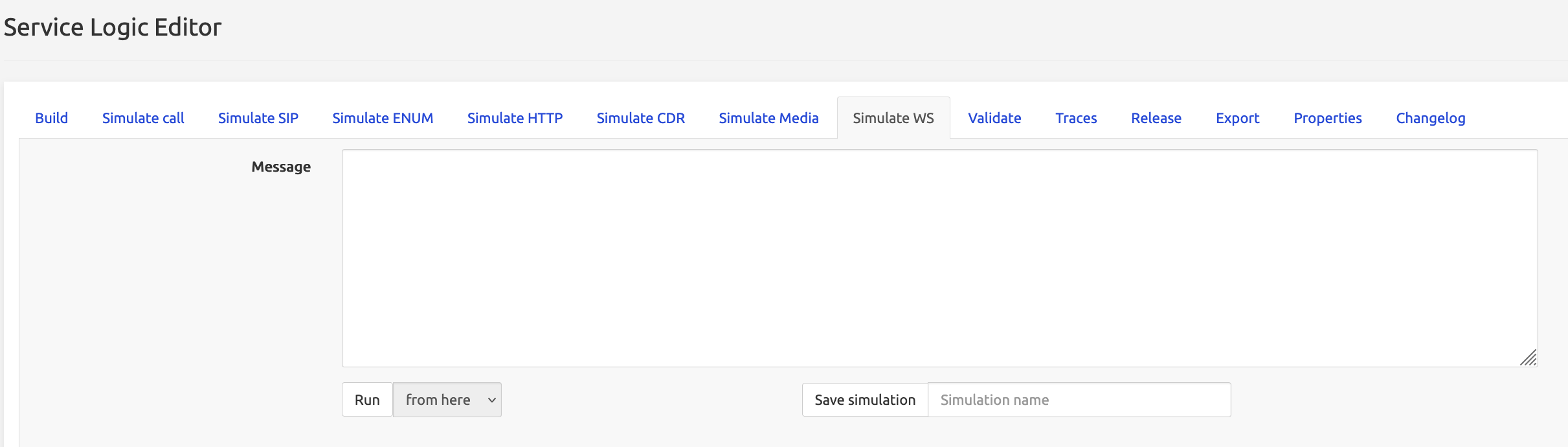
New websocket processor
A new websocket processor has been added to open a websocket connection to remote targets and send/receive messages.
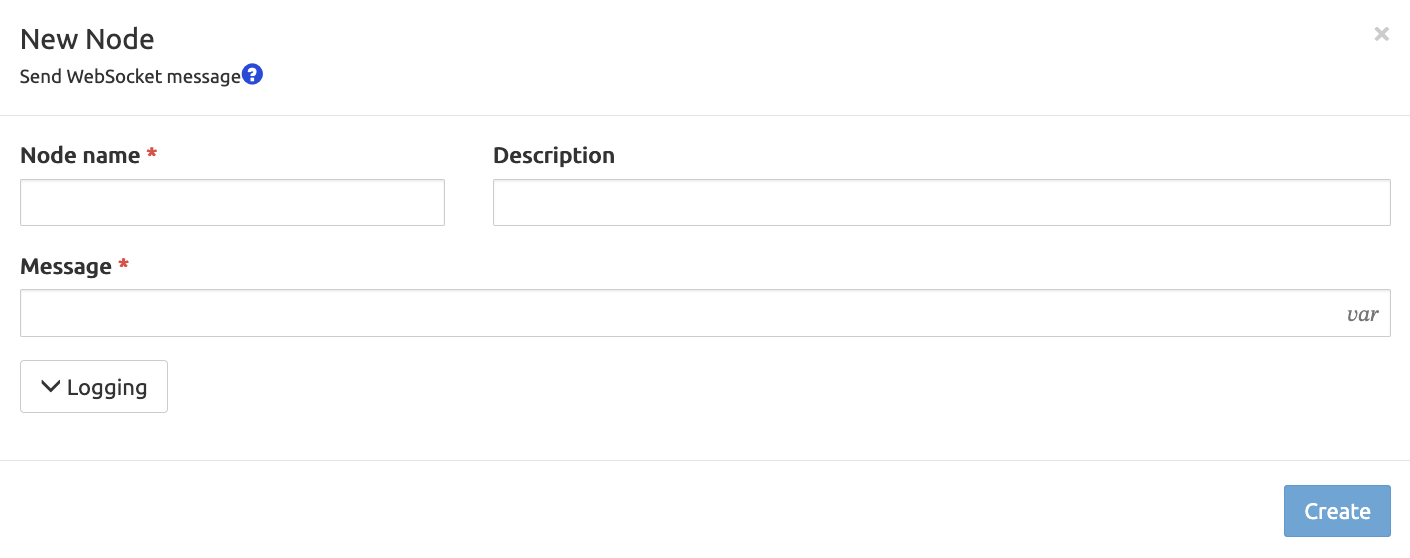
In the GUI, a new tab is available to simulate websocket message processing.
Service Logic
New nodes
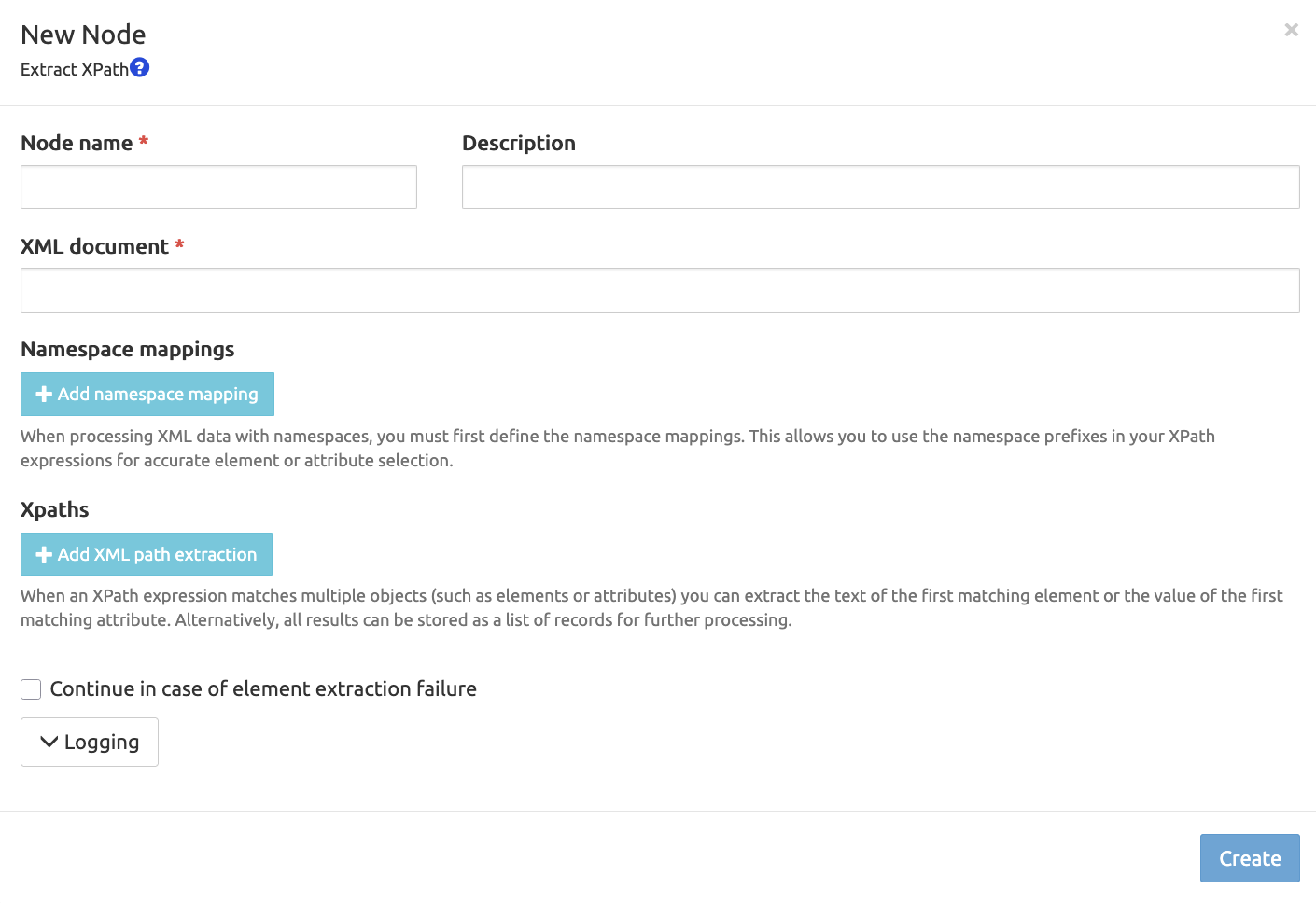
XML document processing
Added an "Extract XPath" node to extract data from XML documents.
Dynamic database operations
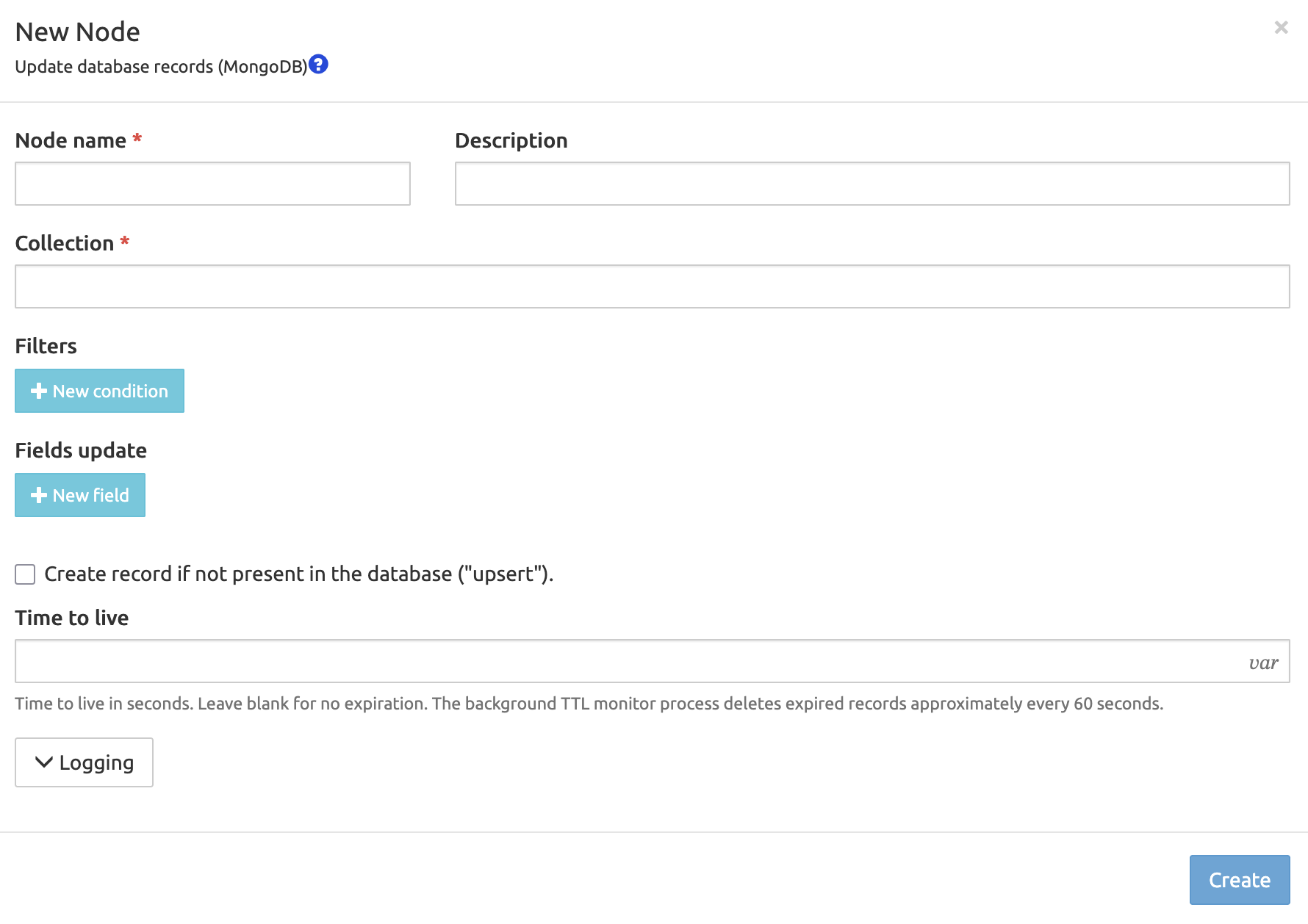
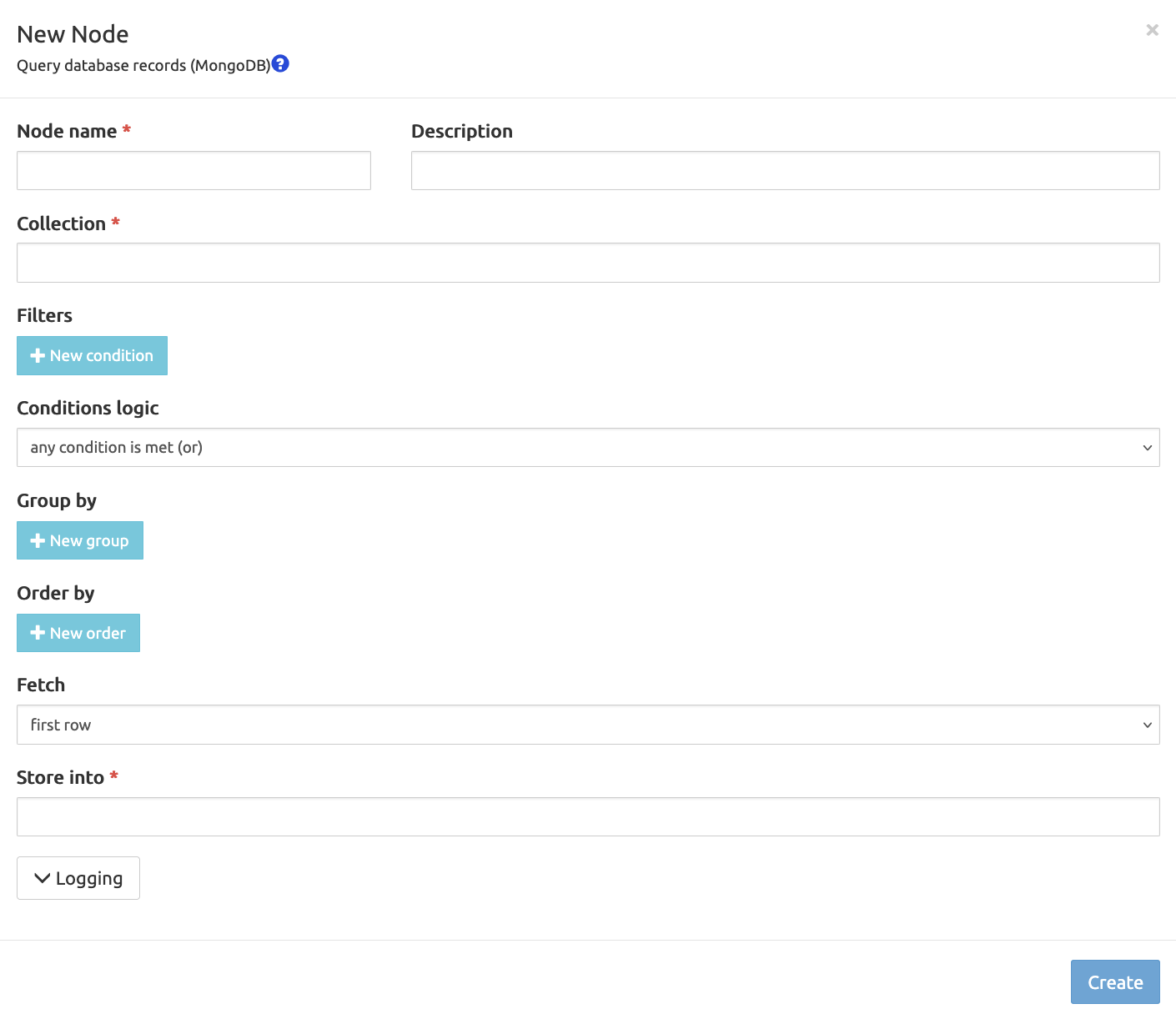
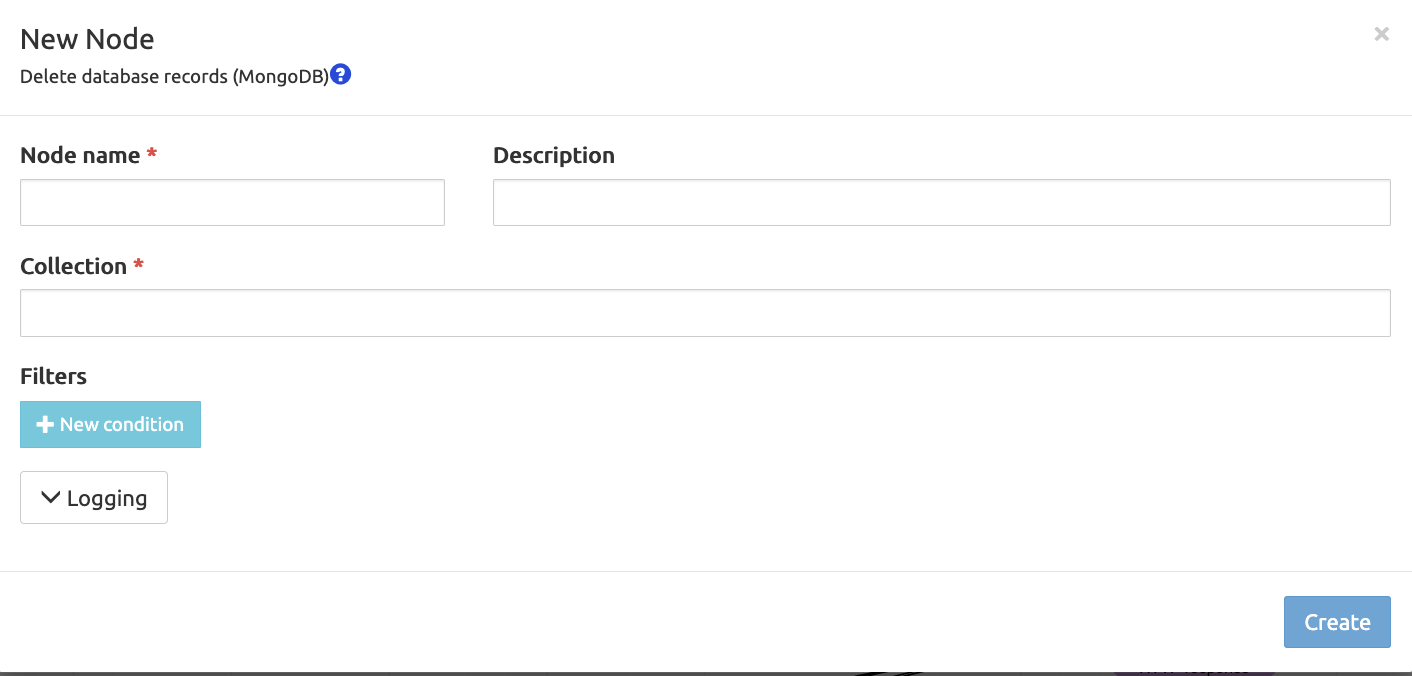
Added nodes to create/update/delete/query dynamic records in MongoDB.
- Creation of new records
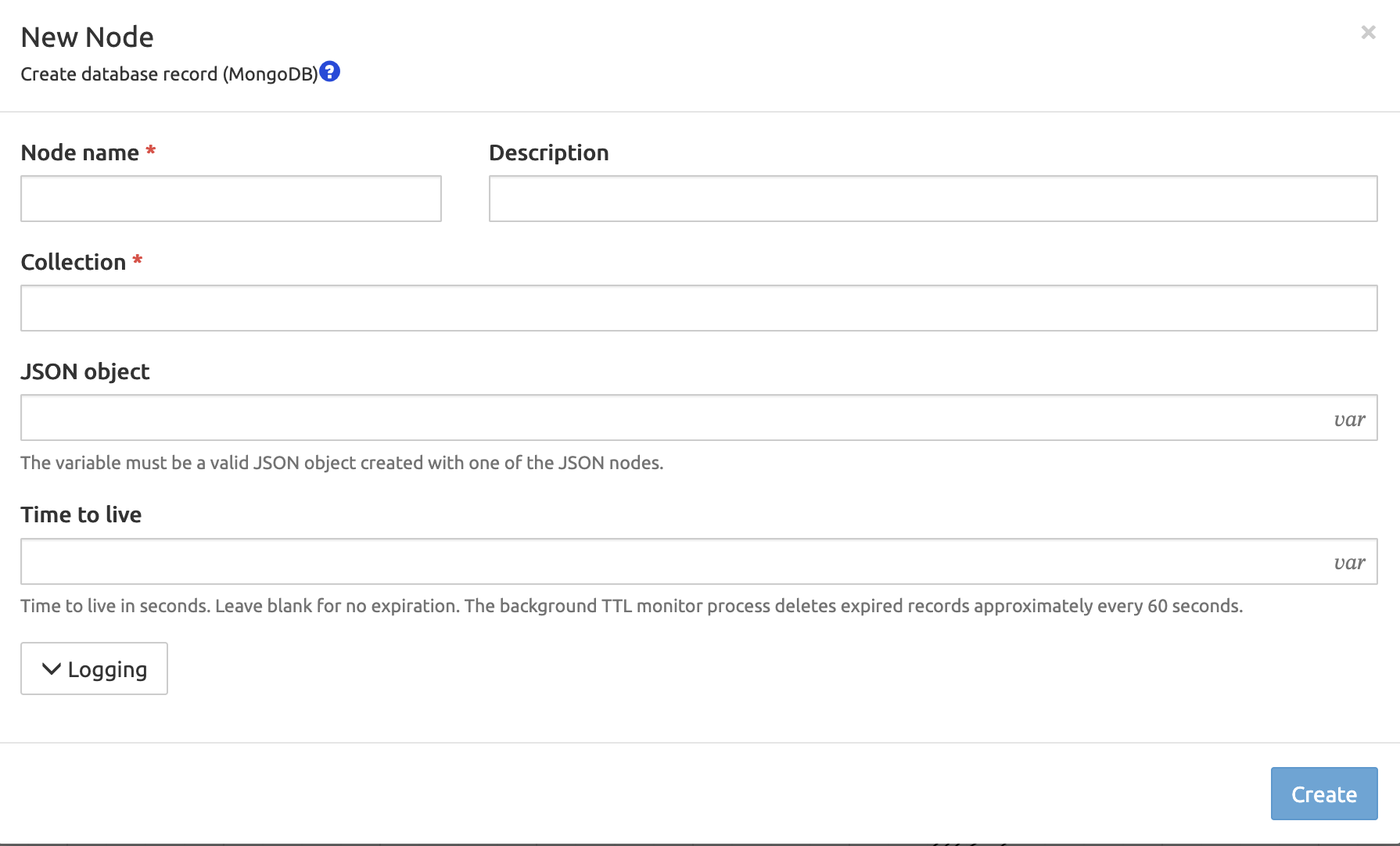
- Update of existing records
- Query of existing records
- Delete of existing records
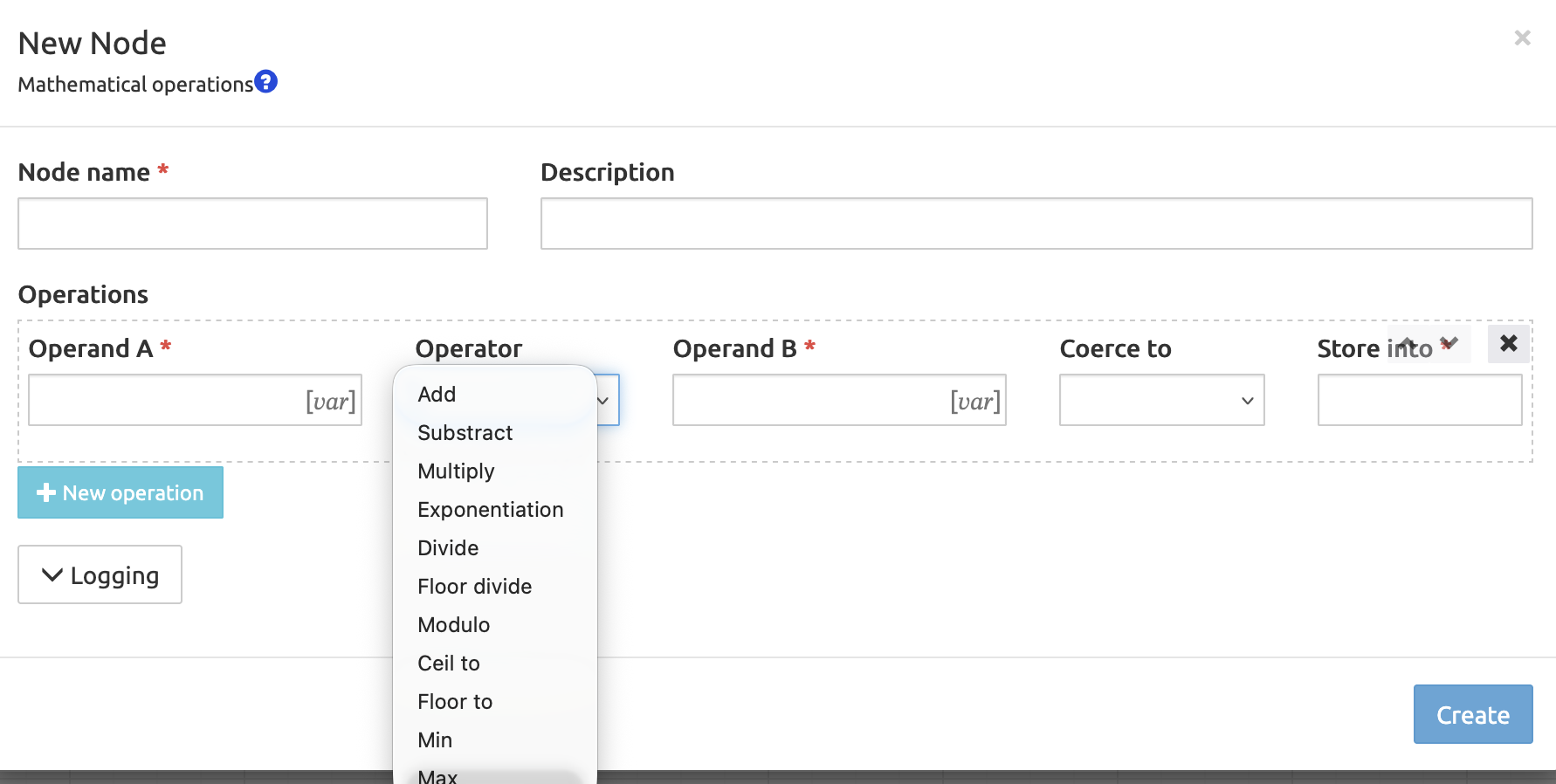
Math node
Added a "Mathematical operations" node to perform operations on numbers.
Runtime sub-servicelogic execution
Added a new node for runtime-resolved service logic execution.
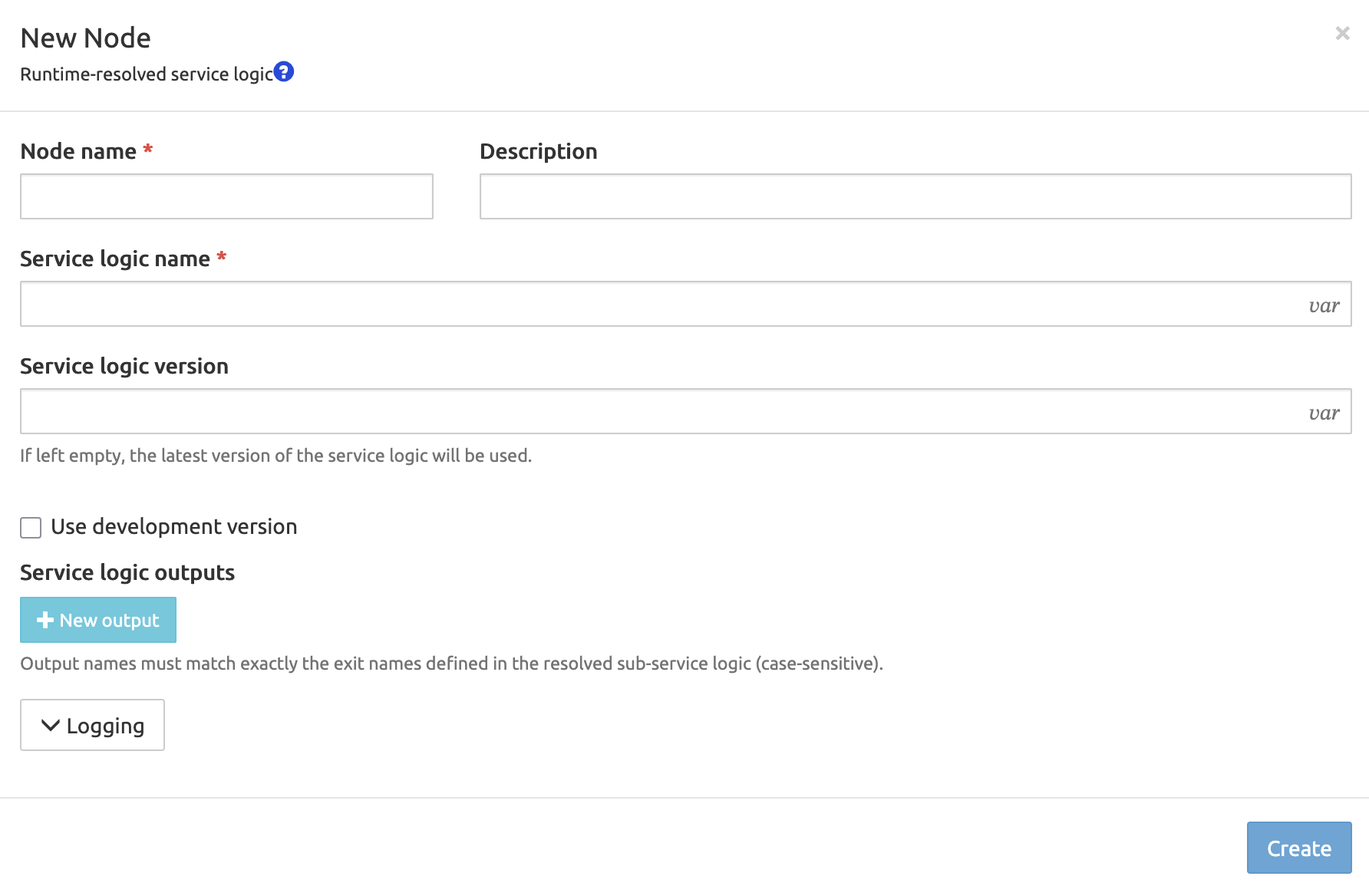
You can call a sub service logic if present; the service logic name and version are resolved at runtime.
Example: implement a plugin system where the service logic name to execute is read from a database record or an HTTP header, allowing new plugins to be added without modifying the calling service logic.
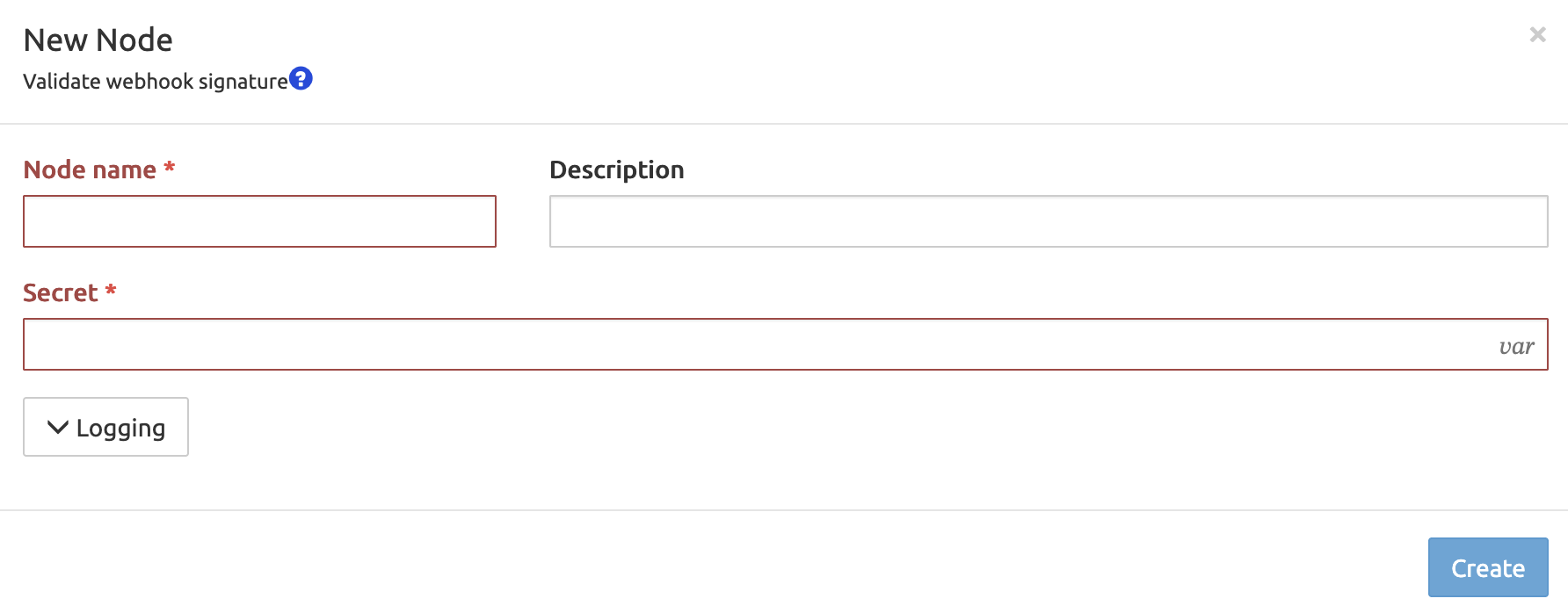
Webhook verification node
Added a node to verify a "Standard Webhook" signature.
Improved Nodes
Enhanced the "Check CAC" node to support specifying a time window for call counting.
Example: limit a customer to 50 calls per rolling 10-minute window instead of only an absolute concurrent-call limit, to catch short bursts of traffic.
Added an option to extract response headers for all HTTP query nodes.
Added an option to force the hostname of a diameter request.
Misc
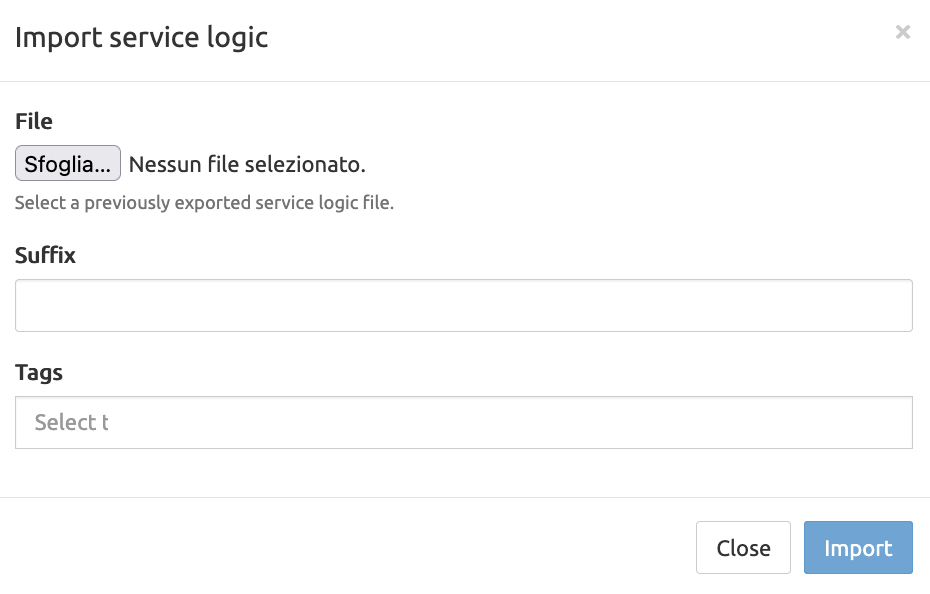
- Added an option to adjust tags when importing a service logic.
Operations
Added a framework to support pluggable authentication.
Example: replace the built-in username/password login with authentication backed by an external identity provider.
Deployment
Postgres Support
Postgres 17 is supported, as well as the older Postgres 14.
MongoDB Support
MongoDB 7 is officially supported.
Kubernetes
Added a Kubernetes deployment option, see the Kubernetes Deployment Guide.
Patch Versions Release Notes
Release 4.2.0
| Pull id | Fix |
|---|---|
| 1956 | allow hostname override |
| 1947 | fixed summary log when a node "Relay" with call descriptor persistence is used |
| 1940 | fixed SIP agent alarm not clearing |
| 1939 | updated SNMP library |
| 1938 | adapted MongoDB log rotation to use mongosh if present |
| 1937 | fixed CDR filename selection when used with an output node "Recurse" |
| 1936 | improved CI pipelines |
| 1935 | fixed all-in-one Docker image DB initialization |
| 1933 | adapted HTTP processor to return 404 when no service logic is found |
| 1930 | fixed node "Delete database records" when first EM contacted is standby |
| 1925 | added framework to support pluggable authentication |
| 1924 | added node "Mathematical operations" to perform operations on numbers |
| 1923 | switched to Vite framework for the dashboard page |
| 1922 | switched to Vite framework for the dashboard page |
| 1920 | fixed dashboard caching & improved responsiveness |
| 1917 | reduced the frequency of health checks to the accounting collector to prevent false alarms |
| 1915 | added option to extract response headers for HTTP query nodes |
| 1914 | fixed extra CDR fields lookup when producing CDR |
| 1908 | added DB replication manager (repmgr) monitoring history cleanup scheduled job |
| 1906 | fixed dashboard error when only one resource is present in cluster |
| 1905 | disabled per-node statistics by default |
| 1902 | added missing media-call-processor license for REST API licenses endpoint |
| 1901 | added Kemi interface between Kamailio and SRE |
| 1899 | fixed cluster resources information on dashboard |
| 1897 | added debug option to log REST API requests processing time |
| 1896 | added option to select tags when importing a service logic |
| 1895 | fixed cleanup of old WAL files |
| 1893 | added option to specify hangup release cause to media node "Hangup call"; added option to specify caller and extra SIP headers to media node "Originate call" |
| 1892 | fixed media server race condition when timeout event occurs after call is closed |
| 1888 | added server status on login form; fixed "Save simulation" action styling |
| 1886 | added monitoring & alarming of Kamailio pkg memory status |
| 1885 | added last-day statistics to sre-admin status command |
| 1884 | improved SLE auto-layout [experimental] |
| 1882 | added nodes to play and stop Music on Hold (MOH); added node to broadcast events to active media channels |
| 1879 | fixed dashboard display bug for open calls |
| 1878 | fixed ENUM query returning binary data |
| 1876 | switched to AlmaLinux for all builds |
| 1875 | added option to play multiple media streams; added mute/unmute nodes; improved Call Descriptor content; added N-way bridging |
| 1874 | updated third-party dependencies |
| 1873 | updated SNMP library to latest version |
| 1871 | fixed datamodel versioning page not working if malformed node is missing some attributes |
| 1868 | updated third-party libraries with CVEs |
| 1867 | fixed JSONPath insertion in cache |
| 1865 | added unit tests |
| 1864 | fixed variables sanitization in simulation timeline |
| 1862 | added sre-admin command to delete service logic |
| 1860 | fixed access roles when one table is a prefix of another one |
| 1858 | expanded fields positions for node "Set CDR fields" to 400 |
| 1855 | added Kamailio option to perform route-based forwarding |
| 1854 | fixed custom agents probing operational state when the configuration is refreshed |
| 1853 | fixed error with service logic changelog view for some nodes |
| 1851 | added SL nodes to create/update/delete/query dynamic records in MongoDB |
| 1846 | restored default batch provisioning erase method to DELETE statement; added explicit option to use the TRUNCATE statement |
Upgrade From 4.1
INFO
If you are coming from a release prior to 4.1, refer to the release notes for that release to perform the intermediate steps.
Element Managers
SRE RPM Update
To launch the upgrade, on all EMs do:
# yum install /<path>/sre.4.2.x-y.<el8|el9>.x86_64.rpmAfter you need to restart SRE on both EMs with:
# systemctl restart sreCall Processors
Call processors must be upgraded one by one.
If the call processor runs the SIP stack, perform the following steps:
Take the CP offline from the GUI (System->Node operational status->out-of-service). Alternatively, you can set the CP out-of-service from the SIP client equipment (e.g. SBC, ...). Check traffic has stopped on the CP by checking with tcpdump, sngrep or the dashboard statistics.
Shutdown Kamailio with:
# systemctl stop kamailio- Update Kamailio to version 5.8 with:
# yum upgrade --disablerepo=kamailio --enablerepo=kamailio-5.8 kamailio kamailio-python- Upgrade SRE from the RPM with the same command used for EM:
# yum install /<path>/sre.4.2.x-y.<el8|el9>.x86_64.rpm
# systemctl restart sre
Backup /etc/kamailio/kamilio.cfg configuration file.
Copy the file /opt/sre/etc/kamailio/kamailio-kemi.cfg to /etc/kamailio/kamilio.cfg
Adapt the file /etc/kamailio/kamailio.cfg depending on the deployment (usually only the line listen, which contains the listening address of your Kamailio instance)
Restart Kamailio with:
systemctl start kamailio- Enable traffic from the GUI (System->Node operational status->in-service)
If the call processor runs the ENUM interface or the HTTP interface, perform these steps:
- If the client equipment allows putting the SRE CP out-of-service so that no requests are sent to it, proceed in this way.
- Upgrade SRE from the RPM with the same command used for EM:
# yum install /<path>/sre.4.2.x-y..<el8|el9>.x86_64.rpmAfter the upgrade is done at least on 1 CP node, make sure the CP is handling requests in the expected way, as in the previous release. Verify that CDRs are created on EMs (if enabled) for the requests handled by this CP.
If this is confirmed, proceed to the next CP node.
Downgrade From 4.2 to 4.1
Install the previous rpm on all EMs and CPS with the command:
# yum downgrade /<path>/sre.4.1.x-y.<el8|el9>.x86_64.rpmOn CPs restore the previous backup of Kamailio configuration file and restart kamailio with:
# systemctl restart kamailio